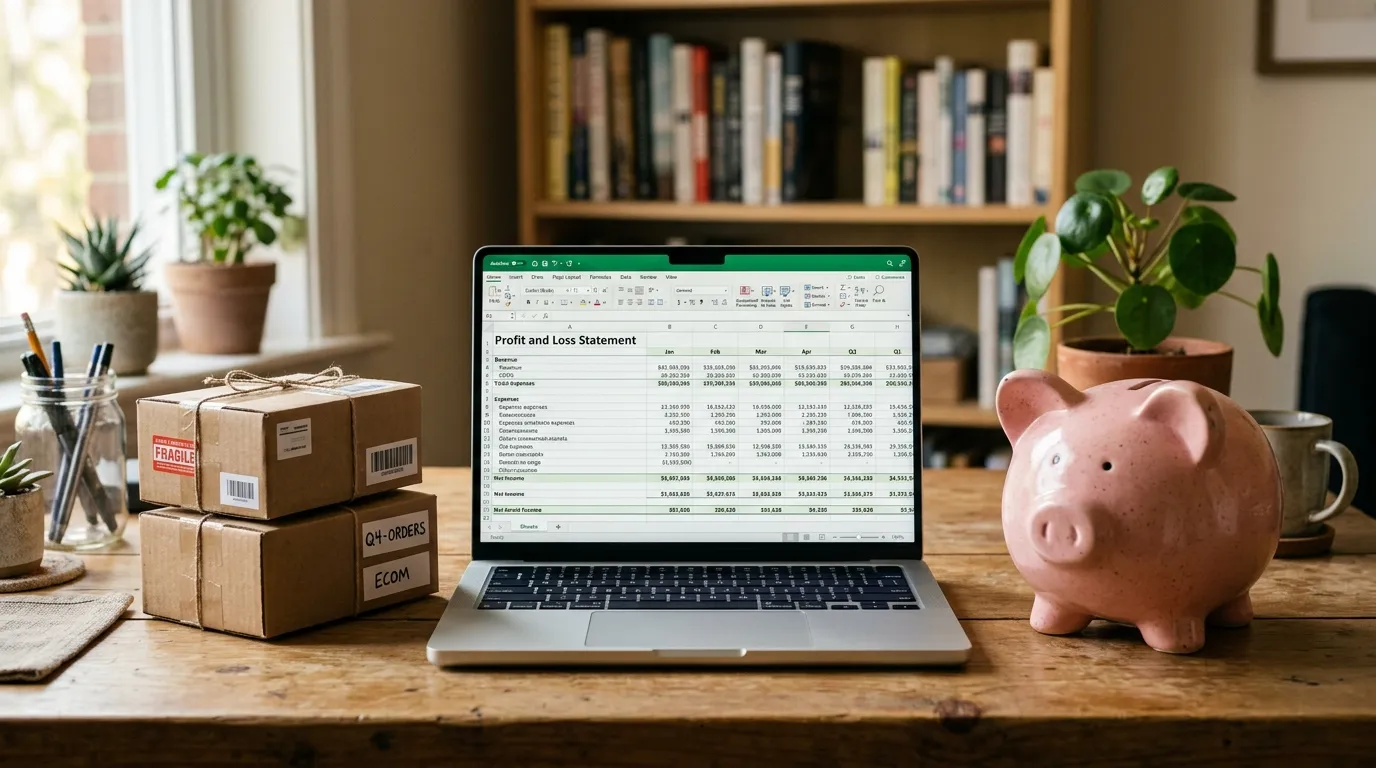
Reduce Amazon FBA Shipping Costs: 7 Proven Tricks
Seven concrete ways to lower FBA shipping costs on Amazon — size tiers, packaging, SIOC, inbound optimization. From 7 years of Daniks practice.

On this page
Subscribe to my YouTube channel
Live walkthroughs, listing teardowns and answers to seller questions.
FBA shipping fees are the line item most sellers optimize the least, even though they eat 12-18% of gross revenue on hard-goods products. Here are the seven levers I actually used at Daniks to save roughly $0.50-$1.40 per unit over the years.
No theoretical tips. Everything is from real experience with real margin impact. If you are not doing any of this yet, you have 30-90 days of optimization potential ahead of you.
1. Push One Dimension Below the Size Tier Threshold
Amazon’s size tiers have hard cutoffs, and exceeding a threshold by a single millimeter often costs you $1.50+ per unit. The 2026 tiers on Amazon:
- Small Standard: up to 15 x 12 x 0.75 in, up to 6 oz
- Standard: up to 18 x 14 x 8 in, up to 20 lb
- Large Standard: up to 24 x 18 x 18 in, up to 40 lb
- Oversize: everything above
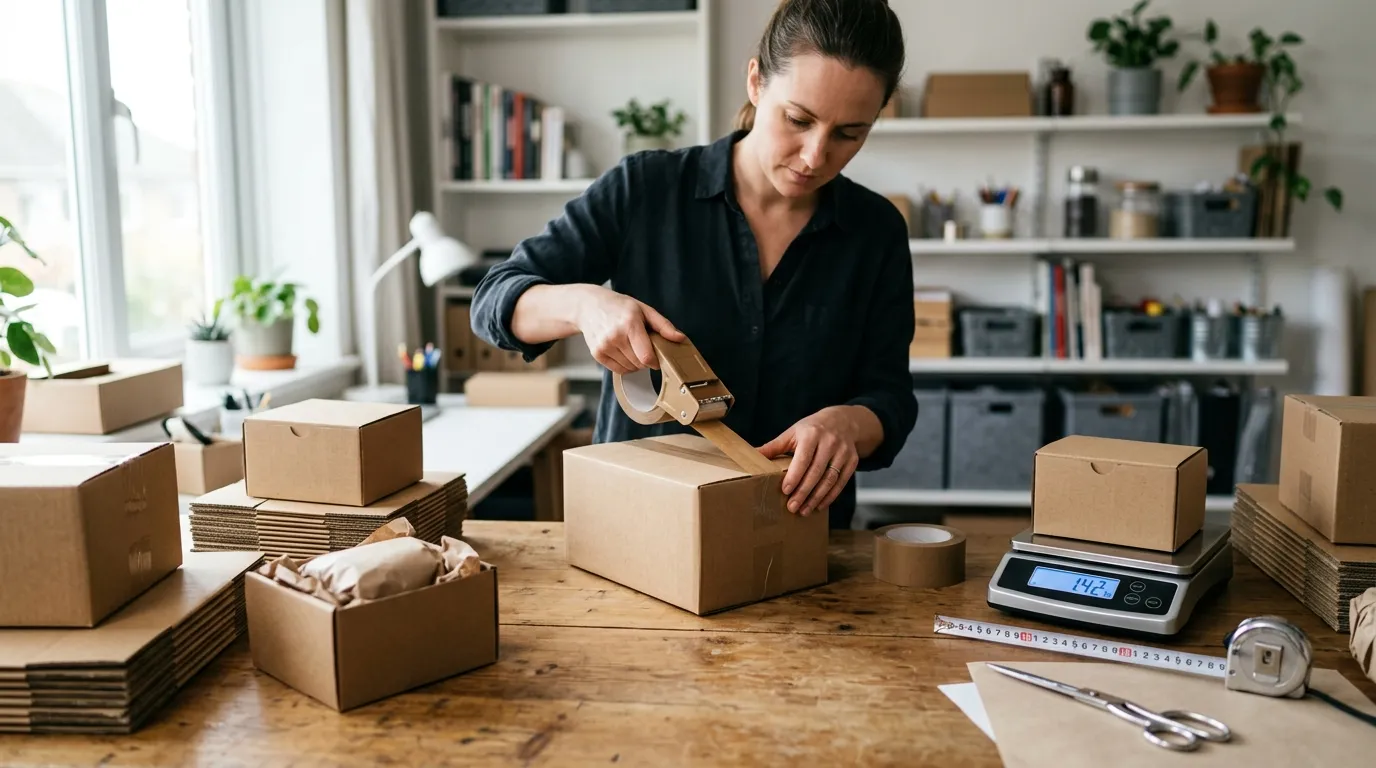
Real example from Daniks: a cookware set with outer box dimensions of 18.5 x 14 x 5.5 in fell into “Large Standard” — FBA fee $8.70. By redesigning the inner padding and shrinking the box to 17.3 x 14 x 4.3 in (without changing the product itself), it dropped to “Standard” — FBA fee $5.80. Savings: $2.90 per unit. At 8,000 units per year, that is $23,200.
What you should do: take every one of your products and measure the outer box dimensions against the size tier thresholds. If you are only 1-2 inches above a threshold, ask your packaging supplier for more compact inner tray designs.
2. Enable SIOC (Ship-In-Own-Container)
SIOC means your product ships in its retail packaging without Amazon wrapping another box around it. Benefits:
- No additional Amazon packaging fee
- Lower size tier classification (no box-in-box layering)
- Faster inbound processing at the FBA warehouse
Requirement: your retail packaging must be ship-ready, meaning it can survive a drop test and has no open voids.
Realistic savings: $0.30-$0.90 per unit, depending on size tier.
What you should do: check in Seller Central under “FBA Packaging Types” and certify for SIOC. For many products it is a matter of 2-4 weeks of packaging updates with your supplier.
3. Distribute Inbound Shipments Across 4-6 Warehouses
Amazon charges Inbound Placement Fees when you send inventory to only 1-2 warehouses. With 4-6 warehouses, these fees largely disappear.
Realistic impact: $0.30-$0.70 per unit saved on smaller shipments (under 500 units).
What you should do: in Seller Central, go to “Manage Inventory” and create a shipment. Choose “Distributed” instead of “Optimized” (single location). Amazon then distributes your inventory across 4-6 warehouses automatically. The freight effort may be slightly higher, but the margin math clearly favors it.
4. Avoid Long-Term Storage After Day 181
Amazon charges Aged Inventory Surcharges for inventory sitting in FBA warehouses longer than 181 days. After 365 days, the fees explode.
My Daniks example: a seasonal set we shipped too late for the season sat in the warehouse for 8 months. Long-term storage surcharges: $2.60 per unit. At 1,500 units that was $3,900 from a single planning mistake.
What you should do: in Seller Central, go to “Inventory” and download the “Inventory Age” report. If you have stock older than 150 days, plan now:
- Price reduction of 10-20% to sell through faster
- PPC sprint on these products to accelerate sales
- Removal order if the product is clearly underperforming (costs $0.15-$0.55 per unit for removal)
Even a 15% price cut is almost always cheaper than 6 more months of long-term storage fees.
5. Optimize Multi-Item Bundles
If you sell bundles (multiple products as one FBA SKU), make sure they ship as a physical set in one package, not as a virtual bundle that Amazon picks and packs separately.
Real example: a 3-pack of pot trivets that we initially listed as a virtual bundle effectively cost $7.80 in FBA fees per set (3x standard shipping). As a physical bundle packed in a polybag: $4.70 FBA fee.
What you should do: review all your bundle listings. If they are virtual, plan to switch to physical bundles with your next inventory shipment. Savings corridor: $1.50-$3.50 per set.
6. Qualify Low-Price Products for Low-Price FBA
Since 2026, the Low-Price FBA program covers products up to $20 sale price (previously $10). Reduced FBA fees in this tier average $0.45 less per unit.
Details are in the Amazon fee changes 2026 article.
What you should do: check all products between $10-$20 sale price for Low-Price FBA eligibility. In Seller Central under “FBA Fee Preview” you can see this per SKU.
7. Print Shipping Labels in Bulk, Not One at a Time
Sounds small, but it adds up: when you send inventory to Amazon, you print FBA shipping labels. With manual single prints per box, a label is easily missed, and Amazon then charges a labeling fee of $0.30 per unit.
My setup: an affordable Brother QL-820NWB label printer (around $250) plus Amazon’s bulk label generation in Seller Central. A one-time setup that saves 30-60 minutes per inventory shipment and eliminates labeling fees entirely.
What you should do: if you do not have a label printer yet, get one. The investment pays for itself after 1-2 inventory shipments if you send more than 200 units per shipment.
What These 7 Levers Add Up To
At Daniks, over 4 years, combining these optimizations saved roughly $0.80-$1.40 per unit in FBA shipping fees. On a product with a $39.99 sale price, that is 2-3 additional margin percentage points, more than most sellers ever recover through PPC optimization alone.
Priority order by effort vs. impact:
- Avoid long-term storage (immediate effect, no investment)
- Enable SIOC (1-2 weeks setup, permanent savings)
- Check size tiers (one packaging update at next shipment)
- Distribute inbound to 4-6 warehouses (a single setting change, 5 minutes)
- Check Low-Price FBA eligibility (5-minute audit)
- Switch bundles to physical (adjust at next shipment)
- Label printer ($250 investment, one-time)
For the full context on all FBA costs, see the Amazon FBA startup costs 2026 article.
If you have questions about a specific optimization, reach out through my contact form.

Written by
Ekaterina Rubtcova
Amazon seller since 2018 · Founder of Daniks cookware · Founder of Daniks.AI
My Daniks cookware reached Top-1 in Germany and is currently Top-20 in the USA. To run its PPC I built Daniks.AI — now used by hundreds of Amazon brands. On this blog I share how I actually operate, no courses, no upsells.